
Introduction to AI Coding Assistants in 2025
AI coding assistants have revolutionized software development in 2025, evolving far beyond simple autocomplete to become sophisticated development partners. These cutting-edge tools leverage advanced artificial intelligence models including GPT-4o, Claude Sonnet, and Google Gemini to provide comprehensive coding support that transforms how developers write, debug, and maintain code.
The 2025 landscape of AI coding assistants is characterized by groundbreaking features like multimodal capabilities (understanding screenshots and converting them to code), agentic editing that can make complex multi-file changes autonomously, and persistent memory that maintains context across coding sessions. These tools have become indispensable for developers seeking to boost productivity, reduce errors, and accelerate project delivery.
Modern AI coding assistants offer unprecedented capabilities including deep IDE integration, enterprise-grade security features, real-time collaboration tools, and support for over 100+ programming languages. They can now understand natural language requirements, generate complete applications from descriptions, review code for security vulnerabilities, and provide intelligent refactoring suggestions.
Top AI Coding Assistants in 2025
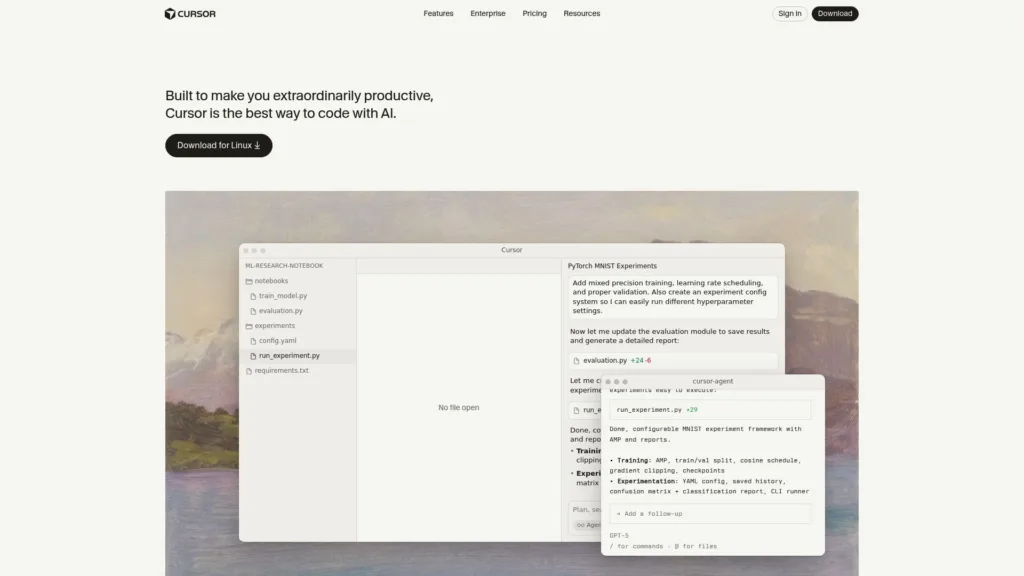
1. Cursor – The AI-First Code Editor
Cursor has emerged as the leading AI-first code editor in 2025, built from the ground up to integrate AI into every aspect of coding. Unlike traditional IDEs with AI plugins, Cursor offers native AI integration that feels seamless and natural.
Key Features:
- Multi-model support (GPT-4o, Claude Sonnet, Gemini)
- Agentic editing with Composer for complex multi-file changes
- Screenshot-to-code capabilities
- Advanced code chat and inline editing
- Fast autocomplete with Tab completion
- Codebase-wide understanding and search
Pricing: Free tier available, Pro at $20/month, Business at $40/user/month
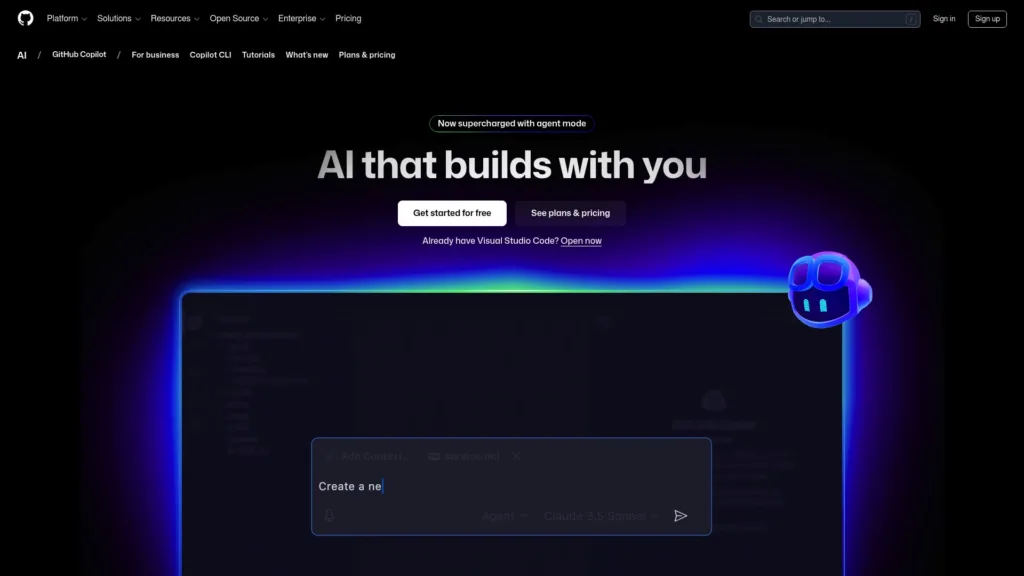
2. GitHub Copilot – Enhanced with Multi-Model Support
GitHub Copilot has significantly evolved in 2025, now supporting multiple AI models beyond OpenAI’s offerings. The integration of Claude, Gemini, and enhanced GPT-4o models provides developers with more diverse and capable coding assistance.
Key Features:
- Multi-model support (GPT-4o, Claude Sonnet, Gemini)
- Copilot Chat for conversational coding assistance
- Pull request summaries and code reviews
- CLI integration for terminal commands
- Security vulnerability detection
- Enterprise-grade compliance and data protection
Pricing: Individual at $10/month, Business at $19/user/month, Enterprise at $39/user/month
3. Windsurf – Codeium’s Agentic IDE
Windsurf by Codeium represents the next generation of agentic IDEs, offering autonomous coding capabilities that can handle complex development tasks independently.
Key Features:
- Agentic workflows for autonomous development
- Multi-file editing and refactoring
- Deep codebase understanding
- Real-time collaboration features
- Integrated terminal and debugging tools
- Custom AI model training on your codebase
Pricing: Free for individual use, Pro plans starting at $15/month
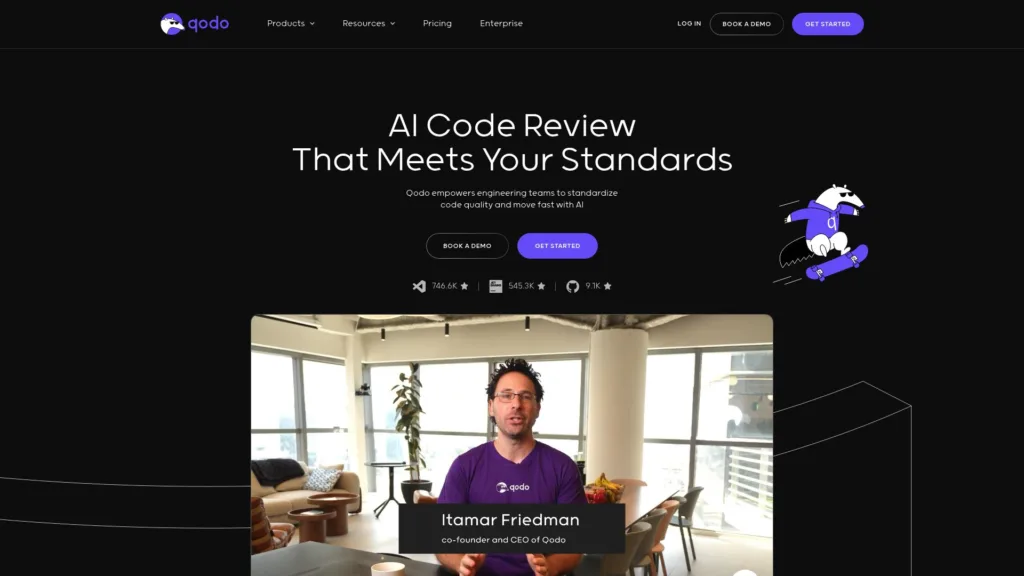
4. Qodo (formerly CodiumAI) – AI-Powered Testing and Code Review
Qodo specializes in AI-powered testing, code review, and quality assurance, making it essential for teams focused on code quality and reliability.
Key Features:
- Automated test generation and maintenance
- AI-powered code reviews with security focus
- Intelligent bug detection and fixes
- PR impact analysis
- Integration with popular testing frameworks
- Team collaboration tools
Pricing: Free tier available, Team at $19/user/month, Enterprise custom pricing
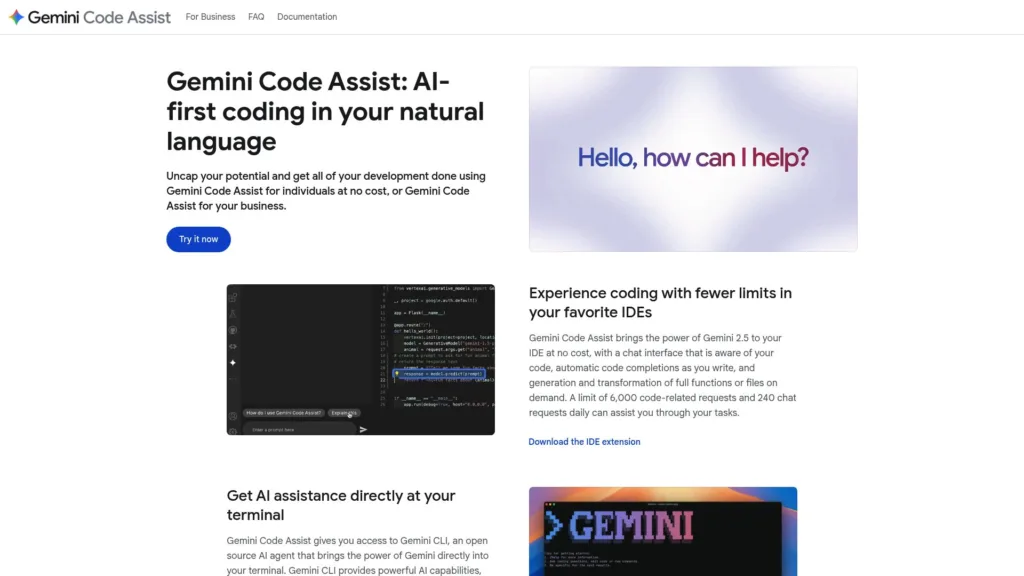
5. Google Gemini for Developers
Google’s Gemini has made significant strides in coding assistance, offering powerful multimodal capabilities and deep integration with Google’s developer ecosystem.
Key Features:
- Multimodal understanding (code, images, documents)
- Long context window for large codebases
- Integration with Google Cloud services
- Advanced reasoning for complex problems
- Support for multiple programming paradigms
- Real-time collaboration in Google Workspace
Pricing: Free tier with generous limits, Pro at $20/month for advanced features
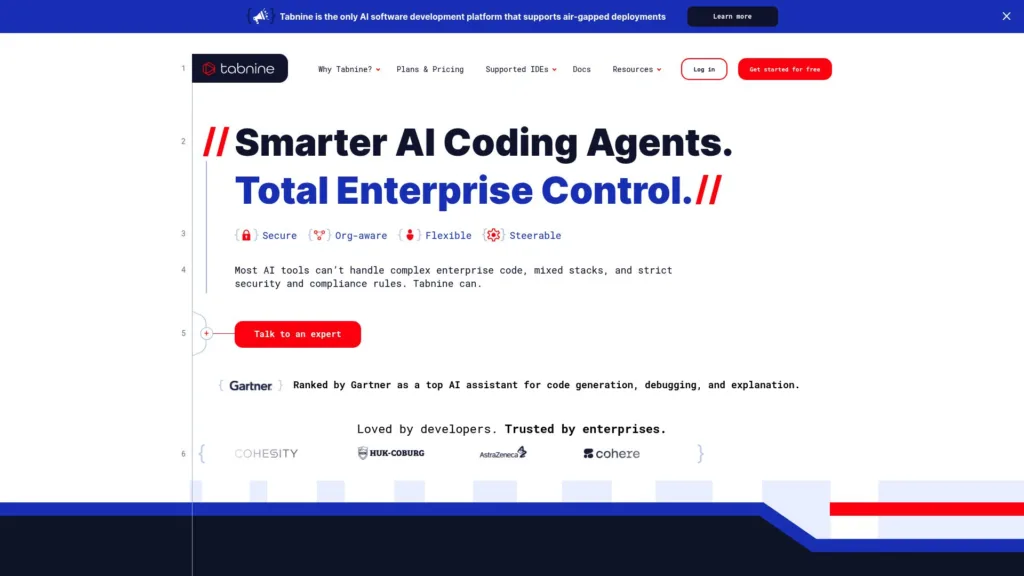
6. Tabnine – Enterprise-Focused AI Assistant
Tabnine continues to lead in enterprise AI coding solutions, offering unparalleled security, privacy, and customization options for large organizations.
Key Features:
- On-premise deployment options
- Custom model training on proprietary codebases
- Advanced security and compliance features
- Team learning and knowledge sharing
- Support for legacy systems and languages
- Detailed analytics and usage insights
Pricing: Free tier, Pro at $12/month, Enterprise with custom pricing
7. Codeium (rebranded as Windsurf) – Free and Powerful
Codeium maintains its position as the most comprehensive free AI coding assistant while offering premium features for advanced users.
Key Features:
- Completely free for individual developers
- Support for 70+ languages and 40+ IDEs
- Fast autocomplete and chat features
- No data training on your code
- Local deployment options
- Team collaboration tools
Pricing: Always free for individuals, Teams at $15/user/month
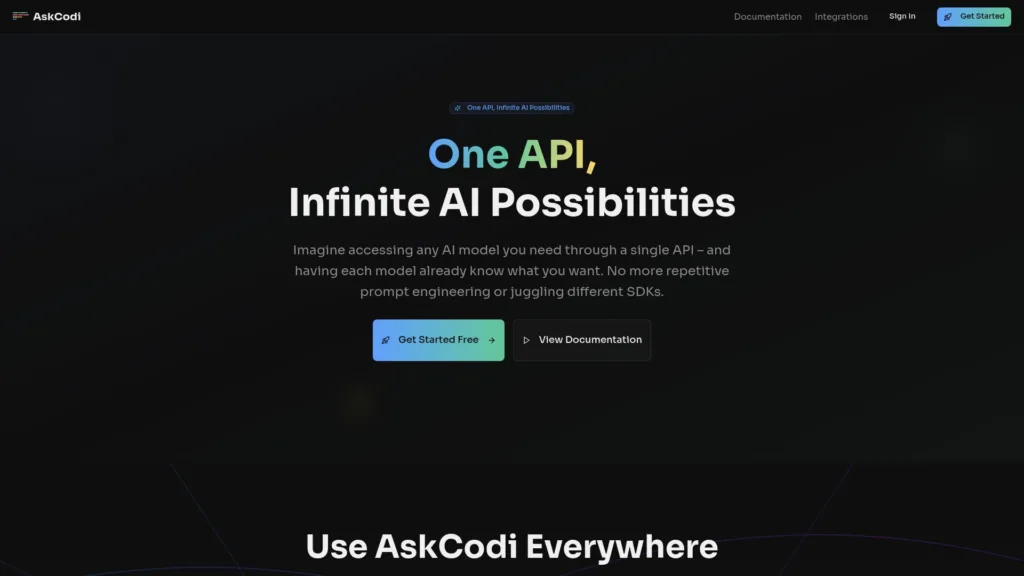
8. AskCodi – Multi-Language Specialist
AskCodi excels in supporting diverse programming languages and frameworks, making it ideal for polyglot developers and complex tech stacks.
Key Features:
- Support for 50+ programming languages
- Framework-specific assistance
- Code translation between languages
- Documentation generation
- API integration helpers
- Learning resources and tutorials
Pricing: Free tier, Pro at $9.99/month, Premium at $29.99/month
9. Replit – AI-Powered Development Environment
Replit has evolved into a complete AI-powered development platform, offering everything from coding assistance to deployment in a browser-based environment.
Key Features:
- Browser-based development environment
- AI-powered project generation
- Collaborative coding and sharing
- Integrated hosting and deployment
- Educational resources and community
- Mobile development support
Pricing: Free tier, Replit Core at $15/month, Teams with custom pricing
Comprehensive Comparison: Features, Pros, Cons, and Pricing
Feature Comparison Matrix
| Tool | Multi-Model | Agentic Editing | Multimodal | Enterprise Security | Free Tier | Starting Price |
|---|---|---|---|---|---|---|
| Cursor | ✓ | ✓ | ✓ | ✓ | ✓ | $20/month |
| GitHub Copilot | ✓ | Limited | Limited | ✓ | ✗ | $10/month |
| Windsurf | ✓ | ✓ | ✓ | ✓ | ✓ | $15/month |
| Qodo | ✓ | ✓ | Limited | ✓ | ✓ | $19/month |
| Google Gemini | ✓ | Limited | ✓ | ✓ | ✓ | $20/month |
| Tabnine | Limited | Limited | ✗ | ✓ | ✓ | $12/month |
| Codeium | ✓ | Limited | Limited | ✓ | ✓ | Always Free |
| AskCodi | Limited | ✗ | ✗ | Limited | ✓ | $9.99/month |
| Replit | ✓ | ✓ | Limited | Limited | ✓ | $15/month |
Detailed Pros and Cons Analysis
Cursor
Pros:
- Best-in-class AI integration and user experience
- Powerful agentic editing capabilities
- Support for multiple AI models
- Excellent screenshot-to-code functionality
Cons:
- Newer platform with smaller community
- Higher learning curve for traditional IDE users
- Premium pricing for advanced features
GitHub Copilot
Pros:
- Mature platform with extensive language support
- Seamless integration with GitHub ecosystem
- Strong enterprise security and compliance
- Large community and extensive documentation
Cons:
- No free tier available
- Limited agentic capabilities compared to newer tools
- Dependency on GitHub ecosystem
Windsurf
Pros:
- Advanced agentic workflows
- Excellent multi-file editing capabilities
- Strong codebase understanding
- Competitive pricing with free tier
Cons:
- Newer platform with evolving feature set
- Learning curve for agentic workflows
- Limited third-party integrations
Latest Tools
Google Gemini CLI
Google Gemini CLI is an open-source AI agent that brings Gemini’s coding and reasoning abilities directly into your terminal. Here’s an overview of its current features and limitations (October 2025):
Features:
- Powerful AI agent for code understanding, generation, bug fixing, test writing, and automation—all from the CLI.
- Shares core tech and high usage limits with Gemini Code Assist (IDE integration for VS Code, IntelliJ, Zed, etc.).
- Multi-step, agentic reasoning (“ReAct” loop) for complex tasks (e.g., multi-file changes).
- Can run locally or connect to Google Cloud backends (MCP servers) for full project context and remote actions.developers.google+2
- GitHub Actions integration, file manipulation, and advanced troubleshooting.
Usage Limits:
- Free tier offers 60 requests per minute, and 1,000 requests per day—the highest allowance among major coding assistants.blogyoutube
- Pro/Ultra subscribers get higher limits (up to 2,000 requests/day), priority access, and reduced service downgrades during peak times.blog+1youtube
- Students (with .edu email) can access Google AI Pro free for 1 year (promo) and there’s currently a 4-month free Pro offer.youtube
Access:
- Available for all personal Google accounts (for free) and for paid subscribers (Pro, Ultra, Enterprise).
- Easy to install via open-source repo; works on most major OS platforms.
- Directly integrates with VS Code, IntelliJ, Zed, and online cloud workstations.
Limitations:
- Some features require IDE integration (not all advanced agentic features available in pure terminal mode).
- Free tier is for individual, non-commercial use—commercial workflows require Pro or higher plans.cloud.google+1
- Output must be reviewed by humans—Gemini CLI can hallucinate or generate flawed code.
- Cannot be used for medical/regulated workflows, reverse engineering, or model extraction.
Summary Table:
| Feature | Free Tier | Pro/Ultra Tier |
|---|---|---|
| Model Requests Per Day | 1,000 | 1,500–2,000 |
| Requests Per Minute | 60 | 120 |
| IDE/Terminal Integration | Yes | Yes |
| Commercial/Team Projects | No | Yes |
| Multi-agent/Model Use | Limited | Full access |
Gemini CLI is the most open and developer-focused AI command-line assistant available, making it ideal for deep coding workflows directly from your terminal.developers.google+1youtube
- https://developers.google.com/gemini-code-assist/docs/gemini-cli
- https://blog.google/technology/developers/introducing-gemini-cli-open-source-ai-agent/
- https://github.com/google-gemini/gemini-cli
- https://www.youtube.com/watch?v=u6IUWEIgCk4
- https://blog.google/technology/developers/gemini-cli-code-assist-higher-limits/
- https://developers.google.com/gemini-code-assist/resources/quotas
- https://cloud.google.com/gemini/docs/codeassist/overview
- https://one.google.com/intl/en_in/about/google-ai-plans/
- https://developers.googleblog.com/en/new-in-gemini-code-assist/
- https://codeassist.google
- https://cloud.google.com/use-cases/ai-code-generation
- https://blog.google/technology/developers/gemini-code-assist-updates-july-2025/
- https://codelabs.developers.google.com/gemini-cli-hands-on
- https://cloud.google.com/gemini/docs/release-notes
- https://www.youtube.com/watch?v=zEMXCoqJodE
- https://developers.google.com/gemini-code-assist/resources/release-notes
- https://support.google.com/gemini/thread/366552042/limit-of-google-ai-pro-subscription-with-2-5-pro?hl=en
- https://marketplace.visualstudio.com/items?itemName=Google.geminicodeassist
- https://developers.googleblog.com/en/gemini-cli-is-now-integrated-into-zed/
- https://cloud.google.com/vertex-ai/generative-ai/docs/models/gemini/2-5-flash
Clause Code
Claude Code (by Anthropic) is a highly agentic AI coding assistant designed for deep codebase understanding and autonomous multi-file operations. Here are key highlights as of October 2025:
Features:
- Advanced Autonomy: Can read/understand entire repositories, edit multiple files, execute tests, debug, commit to GitHub, and perform complex refactoring nearly independently.
- Large Context Handling: Excels at analyzing and operating over very large codebases.
- IDE & CLI Integration: Native integration with VS Code (beta), JetBrains IDEs, Xcode, and a robust terminal interface. Simply install the CLI and connect API keys to link IDEs.claude+6
- Memory & Checkpoints: New “checkpoints” feature enables saving and rolling back of work for safer iteration.anthropic+1
- Real-Time Collaboration: Powerful for both solo programmers and teams.
Access & Availability:
- Available via CLI, Claude’s web UI, and in popular IDEs through plugins/extensions.
- Requires Anthropic API Key; supports Amazon Bedrock and Google Vertex AI as cloud backends for enterprise integration.apidog
- Available to both individual users (free or paid tiers) and enterprise teams.
Limitations:
- Strict, Unpredictable Usage Limits: Usage caps (daily and weekly) apply and have been tightened for all plans, including expensive Max subscriptions.techzine+3
- Limits are not always transparent—users may encounter abrupt interruptions when hitting limits, sometimes even in the middle of a task.
- Free/low-tier users are most affected, while Pro and Max get higher (but still capped) limits.
- Technical Reliability: Periodic reports of API/agent outages and throttling, especially in high-traffic periods.techzine
- No Guaranteed Access: Even Max tier users occasionally hit capacity-based restrictions depending on global demand.
- Output Safety: All generated code requires human review for correctness and safety (as with all LLM-based tools).
Summary Table:
| Plan | Major Limits | Access Points | Features Included |
|---|---|---|---|
| Free | Lower caps; may be paused during demand spikes | Web, CLI, IDE (Beta) | Full features, subject to throttling |
| Pro ($20/mo) | Higher single-session cap, weekly cap applies | Web, CLI, IDE | Priority, but still hit global rate limits |
| Max ($100–200/mo) | Highest, still capped; can buy more usage | Web, CLI, IDE, Enterprise tools | Best limits, but not unlimited |
Conclusion:
Claude Code is among the most autonomous and powerful AI code assistants in 2025, especially for complex codebase navigation and refactoring. However, users must plan for hard-to-predict usage limits and occasional downtime—even at the highest subscription levels. It’s an excellent choice for critical code tasks, but heavy users may want to supplement it with other tools for reliable, uninterrupted work.linkedin+4
- https://www.claude.com/solutions/coding
- https://apidog.com/blog/claude-code-ide-integrations/
- https://docs.claude.com/en/docs/claude-code/ide-integrations
- https://www.anthropic.com/news/claude-4
- https://www.anthropic.com/news/claude-in-xcode
- https://blog.jetbrains.com/ai/2025/09/introducing-claude-agent-in-jetbrains-ides/
- https://plugins.jetbrains.com/plugin/27310-claude-code-beta-
- https://www.anthropic.com/news/claude-sonnet-4-5
- https://skywork.ai/blog/claude-code-2-0-best-practices-ai-coding-workflow-2025/
- https://www.techzine.eu/news/applications/133177/anthropic-unexpectedly-restricts-use-of-claude-code/
- https://www.linkedin.com/pulse/claude-code-max-subscribers-face-sudden-upgrade-limits-nantha-kumar-l-w0sjc
- https://tech.co/news/anthropic-claude-bot-user-limits
- https://www.reddit.com/r/ClaudeAI/comments/1nu9wew/usage_limits_discussion_megathread_beginning_sep/
- https://claude.ai
- https://www.anthropic.com/engineering/claude-code-best-practices
- https://northflank.com/blog/claude-code-vs-cursor-comparison
- https://www.deeplearning.ai/short-courses/claude-code-a-highly-agentic-coding-assistant/
- https://www.claude.com/product/claude-code
- https://www.anthropic.com/news/claude-3-7-sonnet
- https://www.f22labs.com/blogs/how-to-use-claude-code-everything-you-need-to-know/
Compare Google CLI vs Claude CLI
Here’s a comparison of Google Gemini CLI and Claude Code CLI as AI coding assistants (October 2025):
| Feature/Aspect | Google Gemini CLI | Claude Code CLI |
|---|---|---|
| Developer/Provider | Anthropic | |
| Core Model(s) | Gemini 2.5 Pro, Ultra, Flash | Claude Sonnet 4.5, Claude 4, Claude 3.7 |
| Key Capabilities | – Code generation, refactoring, fixing, test writing | – Deep codebase “agentic” edits |
| – Multi-step reasoning (“ReAct” agent) | – Multi-file, multi-module editing | |
| – CLI and tight IDE integration (VS Code, JetBrains, Zed) | – Full repository analysis, autonomous PRs | |
| – Large file/project context | – Git, test suite automation | |
| – Real-time CLI with local or cloud backend options | – Memory checkpoints, rollback, cloud context | |
| IDE/Platform Support | CLI, VS Code, JetBrains, Zed, cloud IDEs | CLI, VS Code (beta), JetBrains, Xcode, CLI |
| Usage Limits (Free/Pro/Max) | 1,000–2,000 requests/day (free/paid); Per-minute capped | Usage caps per day/week, even for Max/Pro plans |
| Students: 1 year free Pro with .edu email, promos | Limits can fluctuate, hard caps for heavy users | |
| Pricing | Free tier (1K req/day), Pro ($20/mo), Ultra custom | Free (limited), Pro ($20/mo), Max ($100–200/mo) |
| Cloud Deployment | Google Cloud backend, on-prem for enterprises | Anthropic API, Amazon Bedrock, Google Vertex AI |
| Reliability/Throttling | Rare service disruption; transparent limits | Occasional hard stops or API/thread pausing |
| Commercial Usage | Free tier: personal/non-commercial; Pro: business-ready | Free tier: personal; higher tiers for teams/enterprise |
| Unique Strengths | – Best-in-class CLI/IDEs integration, open-source agent | – Strongest agentic/autonomous repo editing |
| – Generous, predictable limits for most workflows | – Remembers large context, checkpoints/rollback | |
| Key Limitations | – Free tier non-commercial, some features IDE-only | – Unpredictable strict usage caps at all levels |
| – Agentic workflows best on paid plans | – Outages/throttling during global demand spikes |
Summary:
- Google Gemini CLI is ideal when you want stable, open-source, multi-platform CLIs and transparent usage/costs, especially for VS Code or JetBrains users. Its limits are more generous (especially for education), and performance is highly reliable.
- Claude Code CLI is more “agentic” (autonomous) in multi-file repo work and excels for complex codebase changes, but unpredictable, sometimes abrupt usage capping is a significant operational risk, even at high-paying tiers.
Both tools are state-of-the-art and may be used together by heavy users to balance reliability with advanced autonomy in AI-powered software development.
2025 AI Coding Trends and Innovations
Screenshot-to-Code Revolution
One of the most exciting developments in 2025 is the widespread adoption of screenshot-to-code capabilities. Tools like Cursor and Windsurf can now analyze UI mockups, wireframes, or even photographs of interfaces and generate accurate, production-ready code. This feature has dramatically reduced the time from design to implementation.
Persistent Memory and Context Awareness
Modern AI coding assistants maintain persistent memory across coding sessions, remembering project context, coding patterns, and developer preferences. This continuity enables more personalized and contextually relevant suggestions, making the AI assistant feel like a true coding partner.
Agentic Editing and Autonomous Development
The shift toward agentic editing represents a fundamental change in how we interact with AI coding tools. Instead of simple suggestions, these systems can autonomously plan and execute complex multi-file changes, handle refactoring tasks, and even implement entire features based on natural language descriptions.
Multimodal Capabilities
AI coding assistants now understand and process multiple types of input including code, images, documents, and even audio. This multimodal approach enables more natural interactions and supports complex development scenarios where context comes from various sources.
Enterprise-Grade Security and Compliance
With increased adoption in enterprise environments, AI coding assistants have significantly enhanced their security features, offering:
- Zero-retention policies for code data
- On-premise deployment options
- SOC 2 Type II compliance
- GDPR and CCPA compliance
- Advanced audit logs and monitoring
AI-Powered Code Review and Testing
The integration of AI into code review processes has matured significantly, with tools like Qodo offering comprehensive security analysis, automated test generation, and intelligent pull request reviews that catch issues human reviewers might miss.
Choosing the Best AI Coding Assistant for Your Needs
For Individual Developers
Best Choice: Codeium or Cursor
- Codeium offers the most comprehensive free tier
- Cursor provides the best overall AI-first experience for those willing to pay
For Small to Medium Teams
Best Choice: Windsurf or GitHub Copilot
- Windsurf excels in collaborative development with agentic capabilities
- GitHub Copilot offers mature enterprise features and ecosystem integration
For Large Enterprises
Best Choice: Tabnine or GitHub Copilot Enterprise
- Tabnine provides unmatched security and customization
- GitHub Copilot Enterprise offers comprehensive compliance and integration
For Testing and Quality Assurance
Best Choice: Qodo
- Specialized in AI-powered testing and code review
- Excellent for teams prioritizing code quality and security
For Educational Use
Best Choice: Replit or Codeium
- Replit offers an excellent learning environment
- Codeium provides free access to advanced AI features
Future Outlook: What to Expect in 2026
The AI coding assistant landscape continues to evolve rapidly. Expected developments include:
- More Sophisticated Agentic Capabilities: AI assistants will handle increasingly complex development tasks autonomously
- Enhanced Multimodal Understanding: Better integration of voice, video, and collaborative design tools
- Improved Code Security: Advanced vulnerability detection and automated security patching
- Personalized Learning: AI assistants that adapt more deeply to individual coding styles and preferences
- Cross-Platform Integration: Seamless integration across different development tools and platforms
Conclusion and Recommendations
The AI coding assistant market in 2025 offers unprecedented choice and capability. The best tool for your needs depends on your specific requirements:
- For cutting-edge AI features: Choose Cursor or Windsurf
- For enterprise reliability: Choose GitHub Copilot or Tabnine
- For budget-conscious developers: Choose Codeium
- For specialized needs: Choose Qodo (testing) or AskCodi (multi-language)
The integration of AI into software development is no longer optional—it’s essential for maintaining competitive advantage. The tools available in 2025 represent a massive leap forward in productivity, code quality, and developer experience. By choosing the right AI coding assistant for your needs, you can significantly enhance your development workflow and stay ahead in the rapidly evolving world of software development.
Whether you’re a solo developer, part of a growing team, or working in a large enterprise, there’s an AI coding assistant perfectly suited to your needs. The key is understanding your specific requirements and choosing a tool that aligns with your workflow, budget, and long-term development goals.